
How to add a video playlist to WordPress
Follow one car from the showroom to the road in a three-clip show.
1. Add three clips to your video library
Imagine a dealership showing one car. Upload a short exterior shot, a look inside the cabin and a clip of the car on the road. Give them names you’ll recognise when arranging the show.
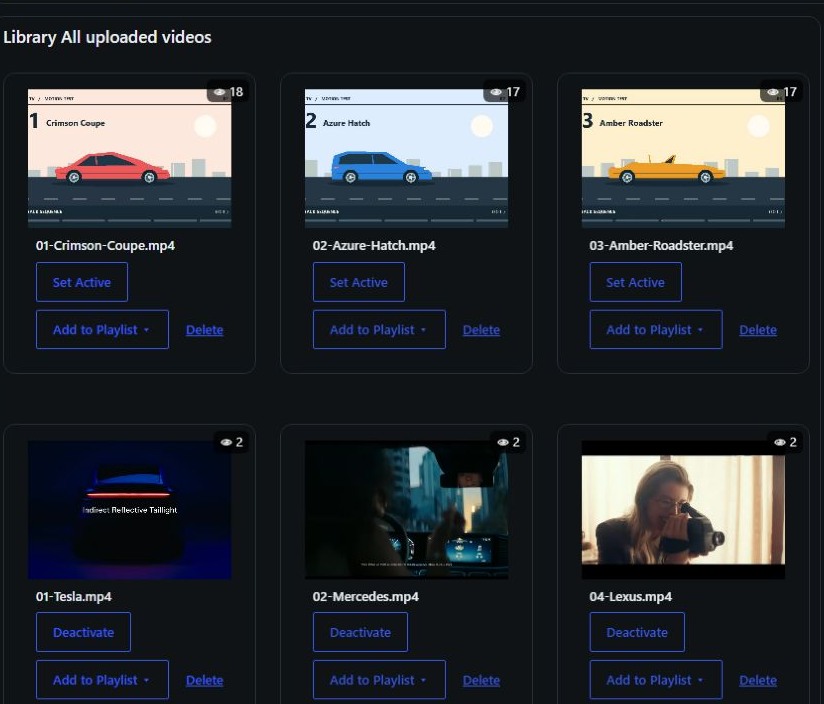
2. Arrange the show
Create a playlist for the car. Put the exterior first, the cabin second and the road clip last. Preview the sequence as a visitor would see it.
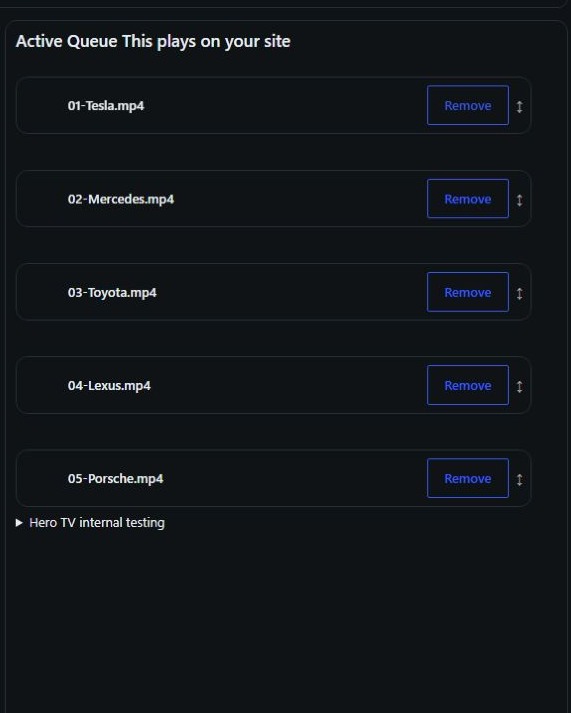
3. Place the player on your page
Open the car’s page in WordPress and add the HERO TV block where you want the player. Preview the page on desktop and mobile, then publish when the order and layout look right.